Shills
Scatter supports an on-chain shill program (aka affiliate minting) in which you can offer up to 50% of mint proceeds to shills.
To enable your collection's shill program, set the shill fee % higher than 0 when deploying your collection.
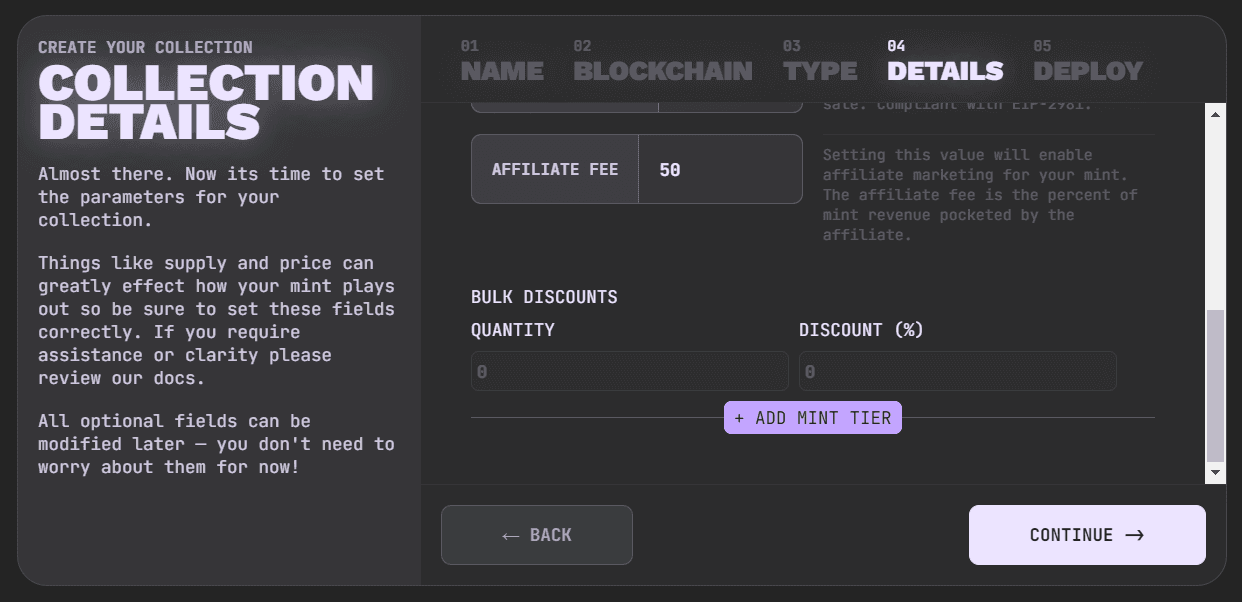
After the collection is deployed, go to edit your collection -> Shills tab to decide who can join.

Turn on Public Shills if you want anyone viewing your collection to be able to register themselves and create a shill link. Leave Public Shills off if you want an invite-only program, then add the specific wallet addresses under Exclusive Shills.
Another way to set the shill fee is to find your collection on etherscan.io, go to the write tab of your contract, click connect until it is green, find the setAffiliateFee field, enter a value of 500 for 5% or 1000 for 10% and so on. The max shill fee % you can set is 50% / 5000.
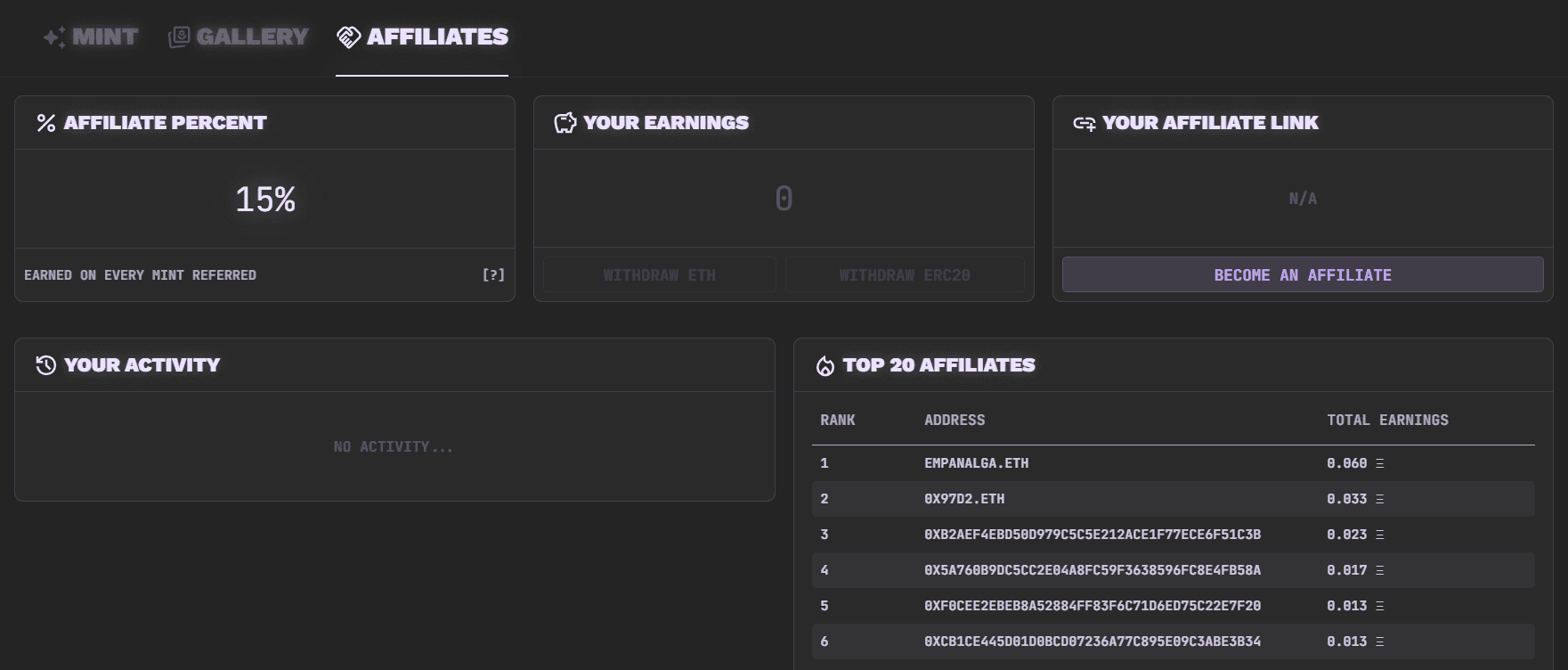
For those curious, if you set your shill fee % to 50%, the shill gets 50% of the mint proceeds. On most chains with Scatter's default 5% platform fee, you receive 45% and Scatter receives 5%; on chains with a different platform fee, you receive the remainder after the shill fee and that chain-specific Scatter fee.
You can set a shill discount % as well. It's a discount applied to each NFT minted with a shill code. The max shill discount % you can set is 50% / 5000.
If you enable the shill program for your collection, we recommend setting your % as high as you are comfortable setting it.
Having a shill program is not necessary for a successful launch, but it can help sustain long term passive marketing to keep your mints steady until you reach mint out.
If you join a shill program and share a link you are obligated to disclose that the link is a paid shill link.
The Shills tab is controlled by the collection owner's settings. If Public Shills is on, anyone can register themselves. If Public Shills is off, only addresses added under Exclusive Shills can use the shill program.