Prepare Your Files
After deploying your collection, prepare your NFT media, metadata, and collection branding before you start uploading. This page is the shared reference for file requirements throughout the launch guides.
Before You Upload
Have the following ready:
- Your final NFT media, numbered by token ID.
- JSON metadata if you want to supply your own names, descriptions, and traits. You can also let Scatter Uploader generate metadata and edit traits in the UI.
- An avatar and banner for your collection page. These are strongly recommended for your collection's identity, but neither is technically required.
- Optional small and large logos if you want to replace Scatter branding in your collection theme.
Keep a backup of your original files before renaming, uploading, or replacing them.
Images and GIFs
Choose dimensions that suit your artwork. Around 1024×1024 is a sensible starting point for collection images; larger files are useful when the artwork needs them, but large generative collections do not need 4K or 8K images by default. If your art will be used as profile pictures, check how it crops.
PNG is a good default for still images. High-quality JPEG is also suitable. GIF is supported for animated images. The Uploader also accepts JPG/JPEG, WEBP, SVG, MP3, WAV, OGG/OGV, WEBM, MP4, MOV, GLB, GLTF, OBJ, STL, and 3MF.
The dimensions and file-size targets here are preparation recommendations unless explicitly described as a maximum. Smaller files generally load faster for collectors.
Video NFTs
For MP4 artwork, aim for around 1MB per video where practical and try to keep each below 10MB. These are size targets, not a stated Uploader hard limit.
For a video NFT with a static preview, use the image's URL in image and the
video's URL in animation_url in custom metadata. Host those files and metadata
yourself for this setup. The Scatter Uploader currently does not combine two
local media files into those fields for the same token ID. See
Video and Preview Images for this
Uploader limitation.
Interactive NFTs
For interactive artwork, use a preview image in image and the interactive page
URL in animation_url. Match the preview image's proportions to the intended
interactive display where possible. A single self-contained HTML file makes the
artwork easier to move between hosts.
Interactive pages are sandboxed for safety. Test your artwork in that environment rather than relying on access to browser extensions.
File Names and Token IDs
Scatter uses 1-based indexing: start at 1, not 0.
- Use numeric file names such as
1.png,2.png,3.png. - Do not add prefixes:
image_1.pngandnft-1.pngare not valid Uploader names. - Use the corresponding token ID for each JSON file.
- Number your files in the intended order. If you want to randomize token IDs, use Shuffle Tokens before uploading; media and matching metadata stay together.
The metadata file-name rule depends on how you host:
| Workflow | JSON file names |
|---|---|
| Scatter Uploader | 1.json, 2.json, 3.json or extensionless 1, 2, 3 |
| Manual IPFS base URI | Extensionless 1, 2, 3; the contract appends the token ID to the base URI |
For a combined Uploader import, put numbered media and matching JSON files in
the same folder, such as 1.png beside 1.json. JSON files are optional; the
uploader generates missing metadata. See
Upload Layout.
For manual IPFS, follow Remove JSON Extensions. Do not apply that extra step unnecessarily to Uploader files.
For ERC-721, prepare media and metadata for each unique NFT. For ERC-1155, prepare them for each token ID/artwork, not for every copy of an edition. See Contract Types for token supply settings.
Collection Images
Prepare two collection identity images. They are optional, but strongly recommended so collectors can recognize your collection.
| Asset | Suggested dimensions | Format and size guidance |
|---|---|---|
| Avatar / thumbnail | 128×128 to 512×512 | JPG, JPEG, PNG, GIF, or WEBP; under 10 MB; aim below 1 MB |
| Banner | 1024×256 to 2048×512 | JPG, JPEG, PNG, GIF, or WEBP; under 10 MB |
| Optional small theme logo | Square, 1:1 proportions | JPG, PNG, or GIF; under 10 MB per file |
| Optional large theme logo | Wide proportions | JPG, PNG, or GIF; under 10 MB per file |
An avatar/thumbnail is the collection's small identity image, not the preview image for each NFT. A banner is the wide image on the collection page. Theme logos are additional optional branding assets.
The upload controls require files under 10 MB each. The dimensions above are recommendations. If you use Match Theme Color for logos, prepare a transparent background so recoloring affects the visible logo shape.
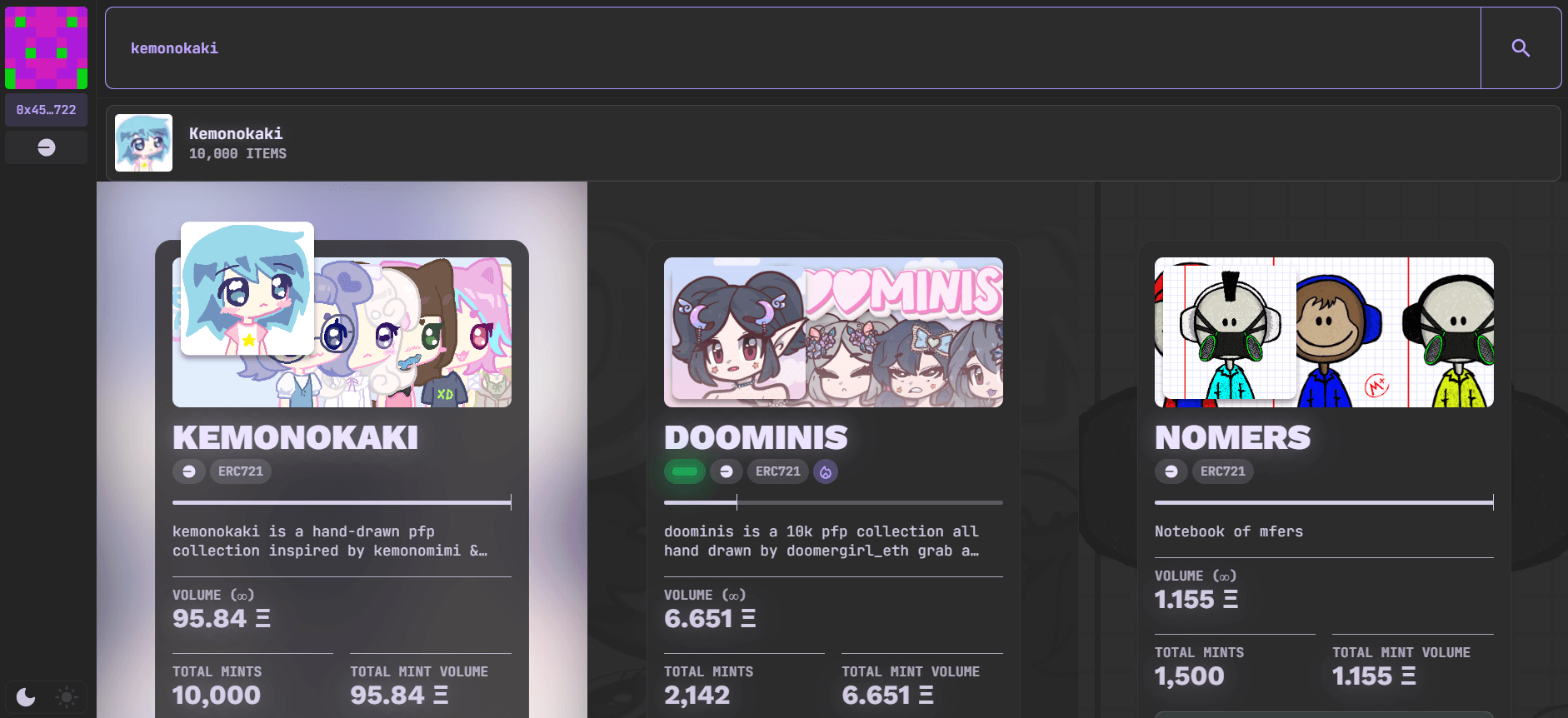
Upload and configure these under Collection Profile & Branding. That guide also covers colors, logo placement, and the theme builder.
Metadata
Metadata describes an NFT's name, media, and traits. You do not need to write JSON to use Scatter Uploader: it can generate metadata for you, and you can edit traits in the UI. The following reference is for creators supplying their own JSON or using manual hosting.
Scatter's Metadata Standard
Below are the principal metadata fields Scatter supports. You can add more if you'd like, but the table below covers everything that is required.
| Field | Description |
|---|---|
| name | The name of the NFT. Typically this is like "Token #123" |
| image | Required. The link to the image of this NFT. Can be an IPFS or HTTP protocol link. (If you are using the Scatter Uploader, this is autogenerated for you, you can leave it blank.) |
| animation_url | Optional. Link to a video file or .HTML page in custom metadata. HTML pages are securely sandboxed without access to browser extensions; test your artwork within those restrictions. For a separate image preview and video on one token, use custom metadata and hosting; the Uploader does not automatically pair both local media files. |
| external_url | Optional. This can be a link to your site, a social media profile, or a link somewhere related to the specific NFT. |
| attributes | Optional. A list of traits which this specific NFT has. |
Sometimes whatever tool you use to generate your JSONs adds extra unnecessary fields that bloat your JSONs and make them ugly. You can adapt one of these Python scripts to loop through all of your JSON files and update them to clean away the bloat:
https://github.com/Scatter-Partners/useful-scripts/tree/master/cleaning ↗
Or use this webtool version:
https://webtools.scatter.art/clean-jsons/ ↗
Extra files such as _metadata.json can also be safely deleted from your JSON folder if they are generated.
If you are hand making the JSON files or making your own script, make sure you
use double quotes " and not single quotes ', as JSON expects only double
quotes to be used in JSON files.
Attributes
Keep trait types consistent across your tokens (for example, Background, Hair, and Eyes). Create rarity by varying how often individual trait values appear, rather than using different names for the same trait type.
Attributes or traits are a way to define the unique aspects of each NFT within your collection, while also adding an element of collectibility based on varying trait rarities. Typically, you would have an assortment of traits ranging from extremely rare to very common. You want enough variety in your common traits for your collection to not look too 'samey'. At the same time, generally you want to create some feeling of uniformity so that your collection feels like a unified set, assuming that's the intention.
Scatter uses OpenRarity for calculating trait rarity rankings.
Sometimes you want to force some NFTs (such as 1/1s) to have higher rarities in your collection. You can achieve this by stuffing every trait_trait type possible with a unique string that is not listed in any other NFT. The following is an example of this where each trait_type is stuffed with a unique string to ensure it has a high rarity within the collection as a 1/1: https://www.scatter.art/collection/oekaki-maker/gallery/nfts/498 ↗
JSON Example
The below is the JSON of this NFT: https://www.scatter.art/collection/oekaki-maker/gallery/nfts/4272 ↗
{
  "name": "Oekaki #4272",
  "description": "Neo-chibi aesthetic enthusiast network cohesion lainpilled artisanal AI generative synthesis NFTS",
  "external_url": "https://www.oekakimaker.net/",
  "image": "ipfs://bafybeic5yxtsyokpmlkzqyxx7rtyvm7apmkm52byjh6fqu5wm45kpvelem/4272.png",
  "attributes": [
    {
      "trait_type": "Name",
      "value": "Taruho"
    },
    {
      "trait_type": "Background",
      "value": "Toshokan"
    },
    {
      "trait_type": "Skin",
      "value": "Tan"
    },
    {
      "trait_type": "Outfit",
      "value": "Black Lolita Dress"
    },
    {
      "trait_type": "Mouth",
      "value": "Cutie Fanged"
    },
    {
      "trait_type": "Eyes",
      "value": "Simply Blue"
    },
    {
      "trait_type": "Hair",
      "value": "Kitten"
    },
    {
      "trait_type": "Headwear",
      "value": "Maid Headdress"
    },
    {
      "trait_type": "Core",
      "value": "Otaku-Dark"
    }
  ]
}
Next Step
Continue with Collection Profile & Branding, then Uploading Content.